
Tell us your device
Send your request through WhatsApp. Mention any channels or languages you want to check.
Try it on your device
Test live channels, explore movies and series, and check playback before choosing a subscription. Request your TiviMate IPTV free trial and see how the service fits your setup.
New to IPTV? Start with your device and the channels you watch most. We’ll help you choose a compatible player and get set up.
Tell us what you’ll be watching on.
Already tested the service?
View our IPTV subscription plans →
Send your request through WhatsApp. Mention any channels or languages you want to check.
Our team provides trial details and setup guidance. Test playback using the device and internet connection you plan to use.
If the service suits you, choose a subscription plan for your preferred duration and device allowance.
Use the trial to check your own viewing setup. Start with the live channels you regularly watch, then try a movie or series episode. Check whether playback starts smoothly, whether the picture suits your screen, and whether your preferred language or audio option is available.
Test on the internet connection and device you expect to use after subscribing. Performance can vary with your network, player settings and the stream itself. If something does not work as expected, tell our team which device, app and channel you are using so we can help investigate.
Your IPTV free trial is also a chance to confirm content availability. Browse the channel lineup, but ask us directly about any particular channel or programme that matters to you. Available content can change, and a channel count alone cannot tell you whether the service fits your preferences.
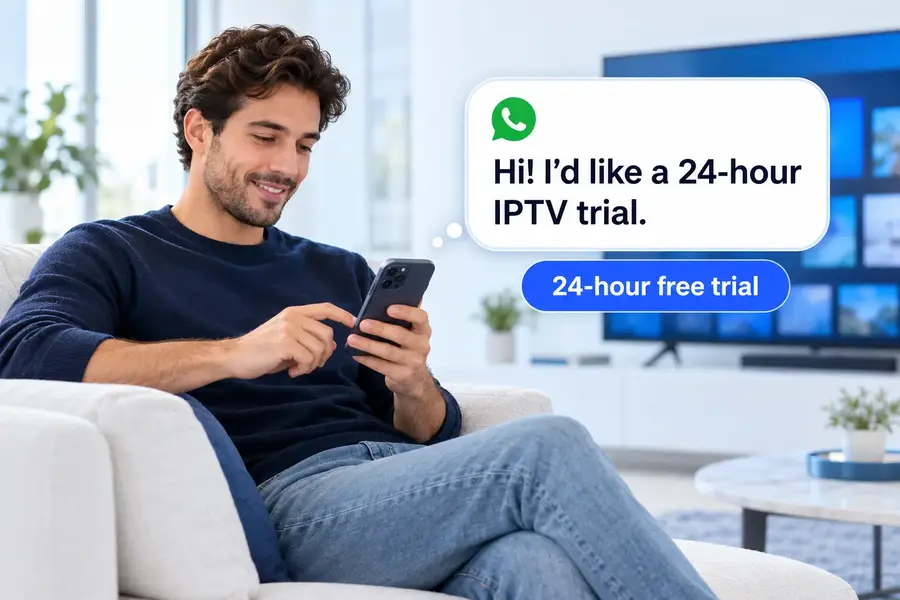
No payment details are needed to request the trial. Enter your name, select your device and open the prepared WhatsApp message. Review it and press Send in WhatsApp to contact our team. Completing this form does not place a paid order.
Our team handles requests manually and will reply on WhatsApp with the details and setup instructions. Opening WhatsApp does not activate the trial automatically. Confirm the start and expiry time with the team so you know when your 24-hour access is available to use.
Select Other device and enter its brand and model, or choose the setup-guidance option if you are unsure. We will check which player is suitable before you begin. You can also review our device guide and setup instructions.
No. This is a trial of our IPTV service. TiviMate is a separate player application, and its Premium licence is not included. Other devices may use a different compatible player. Ask for guidance before buying any app solely for this trial.
If you are happy with your IPTV free trial, view the subscription plans and choose your duration and device allowance. Check the displayed total before placing an order. Our team then sends a payment link through WhatsApp or email; paid activation follows payment confirmation.